
Tips: How to best use Vekta
This article highlights a few habits that make planning, reviewing, and coaching faster in Vekta.
Right-click menus
Vekta is built around right-click actions. In the calendar (and many other areas), right-clicking is often the fastest way to:
Edit a session
Duplicate a session
Copy / paste sessions
Open other context actions relevant to what you clicked
Tip: If you’re looking for an action and don’t see it in the page UI, try right-clicking the element first.
Keyboard shortcuts
If you plan or review many sessions each week, shortcuts can save a lot of time. Learn the full list here.
Tip: Start by memorizing the 2–3 shortcuts you use daily (navigation + editing). Add more as they become useful.
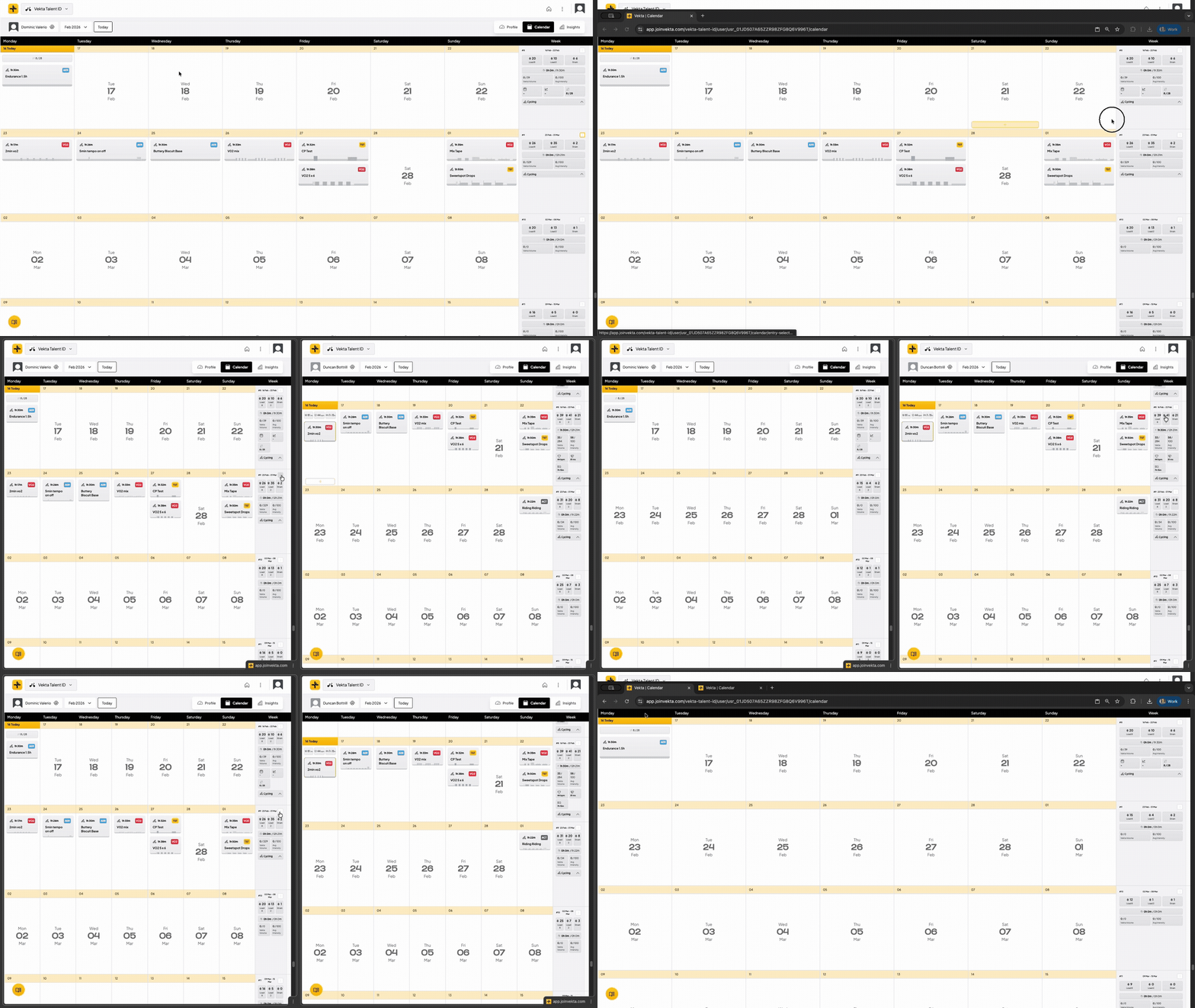
Dual-screen workflow (side-by-side analysis)
Using two windows makes it easier to plan and analyze at the same time.
A common setup:
Screen 1: Calendar / planning
Screen 2: Session analysis / athlete details
You can use your browser to run this side-by-side (as shown in the video).
Coach dashboard habit
A simple routine that helps coaches stay on top of the week:
Check the next few days to confirm every athlete has a plan.
Review the past few days to confirm sessions were completed and to spot trends (fatigue, missed work, unusually high intensity).
This reduces last-minute changes and helps you catch issues early.
What’s new
Vekta ships updates every week. Following the changelog helps you take advantage of improvements as soon as they ship:
https://vekta.supahub.com/en/changelog
Roadmap
Vekta is built with the community. If something is missing or could work better:
upvote existing requests
or create a new one with your use case