
Notifications in the Vekta mobile app
Edited
Use notifications to stay informed about new sessions and activity comments.
How to access notification settings
Open the Vekta mobile app.
Go to Settings.
Select Notifications.
Choose either you as an athlete or a specific workspace.
Notification types
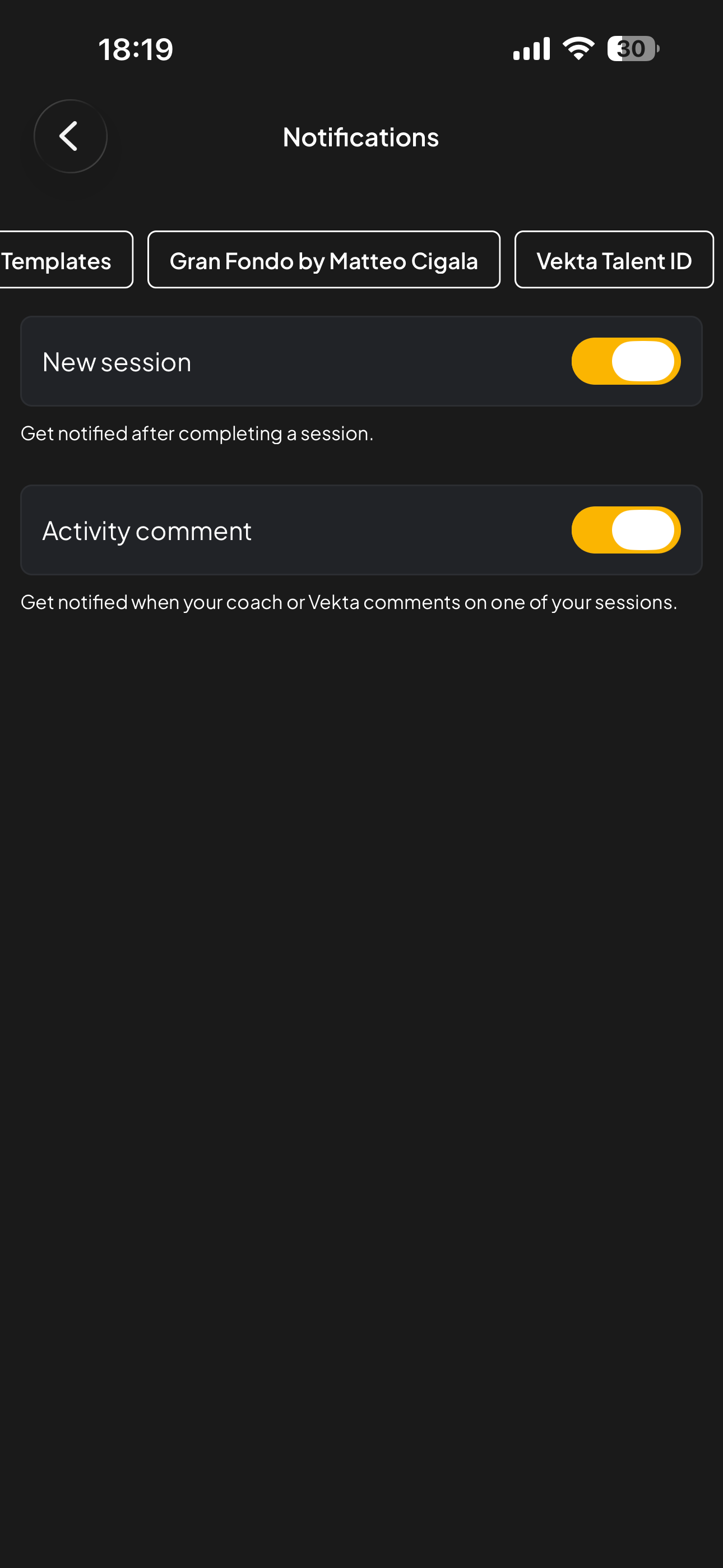
New session
Receive a notification when a new session is available for you or for one of your athletes.
Activity comment
Receive a notification when someone comments on one of your sessions, or when an athlete or another coach comments on an activity in a workspace.
Workspace settings
Notifications can be turned on or off per workspace. Changing notifications for one workspace does not affect the others.
notifications
Was this article helpful?
Sorry about that! Care to tell us more?